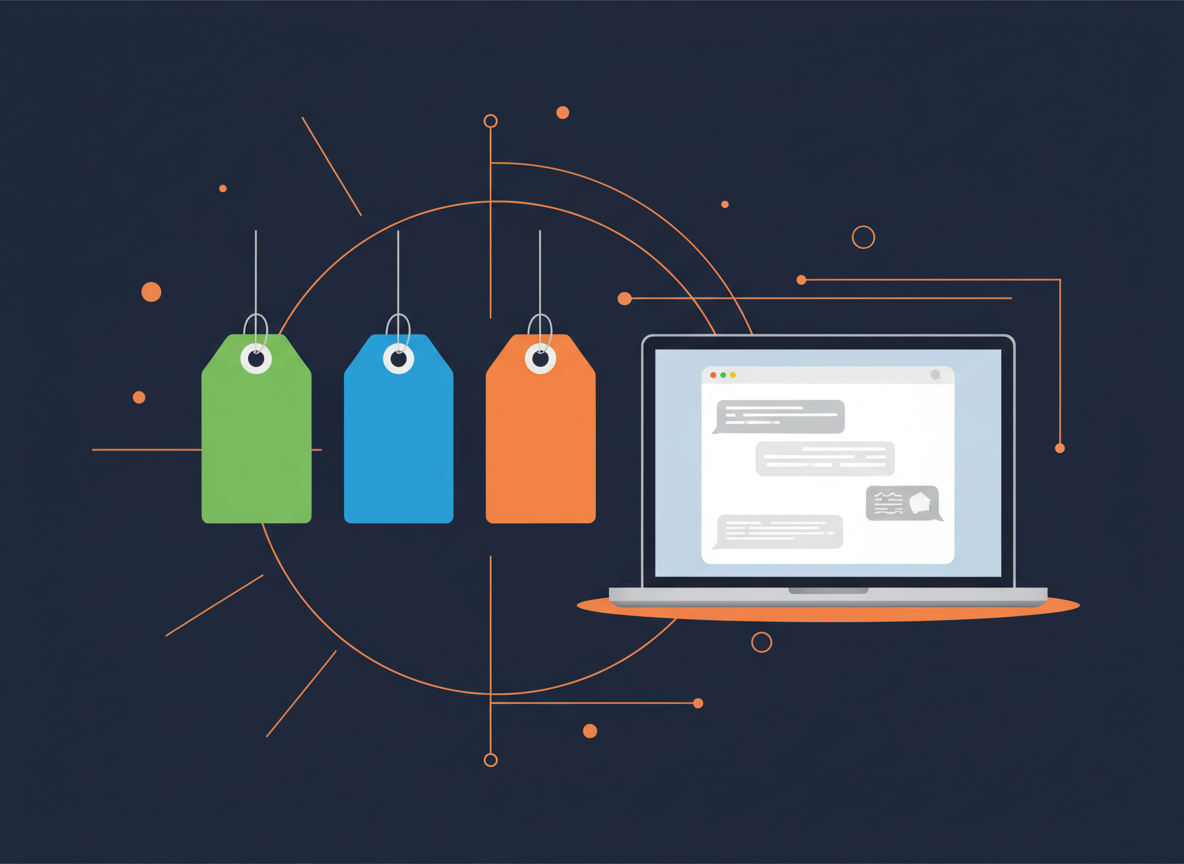
The labels Free, Freemium and Paid appear on almost every listing in our directory. They are a quick way to see what a tool costs, but they hide important details. Here is what each label means and how to read it.
Free
A Free tool can be used without paying. Some free tools stay free for everyone, while others offer free access only for a trial period or a limited number of uses. Before you start, check whether the free offer has an end date or a monthly cap.
Freemium
Freemium tools have a free plan with limits and optional paid upgrades. Upgrades usually unlock higher usage limits, faster processing, longer files, removal of watermarks or a licence for commercial use. The free plan is often enough for testing, but it may not be enough for daily work.
Paid
Paid tools need a subscription or a credit purchase before you can use their main features. Many of them offer a free trial. Use the trial with one of your real projects, not a random example, so you can judge the result fairly.
How we assign labels
A label reflects what we can confirm on the tool’s official pricing information when we review the listing. Prices and limits change often, so treat the label as a starting point rather than a promise. If you notice an outdated detail, please tell us through our contact page.
Tips before you upgrade
- Use the free plan for one complete project before deciding.
- Check whether credits expire at the end of each month.
- Compare monthly and yearly prices, and include taxes and currency charges in your country.
- Set a reminder before any free trial ends, so you can cancel in time.
- Cancel the subscription as soon as you stop using the tool.
To see the labels in context, browse the AI tools directory. You can filter by category and pricing to find tools that match your budget.